Upload one clear face photo
Start with a simple portrait where the full face is visible. Avoid sunglasses, heavy filters, extreme crops, or dark shadows.
Upload a clear portrait to calculate an AI attractiveness score, review visible facial balance, and compare which photo gives the most useful face attractiveness analysis.
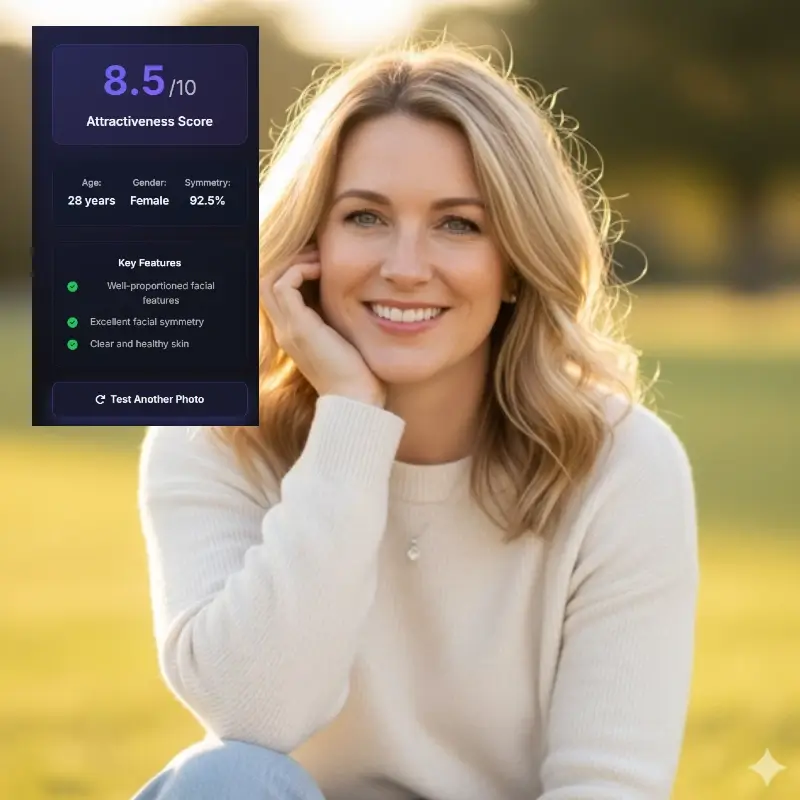

Use a front-facing selfie or portrait with even light
The calculator works best when the photo is sharp, evenly lit, and centered.
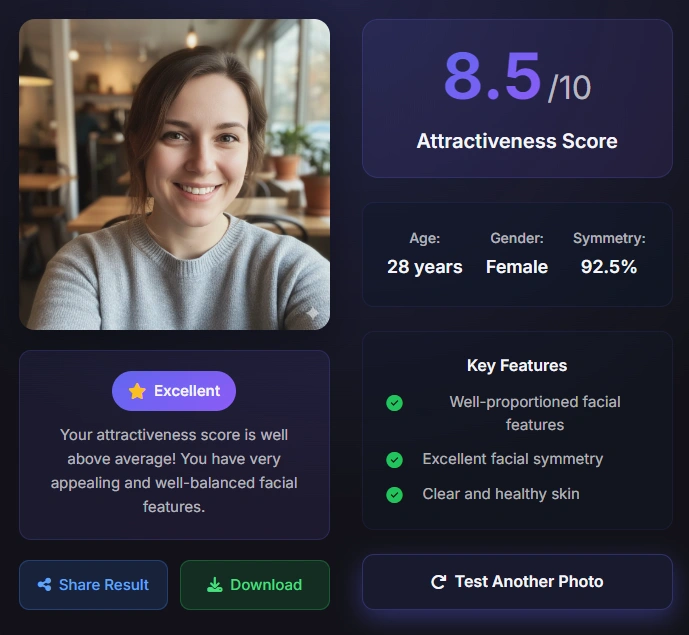
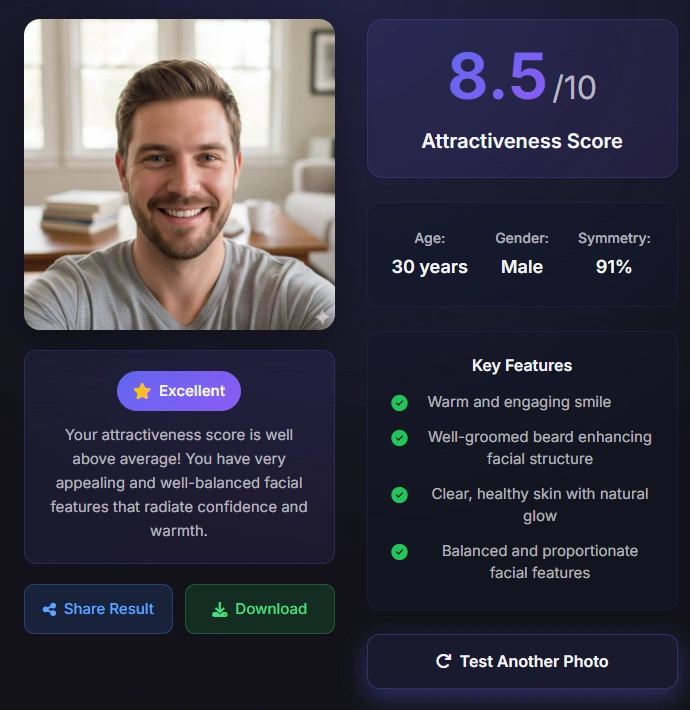
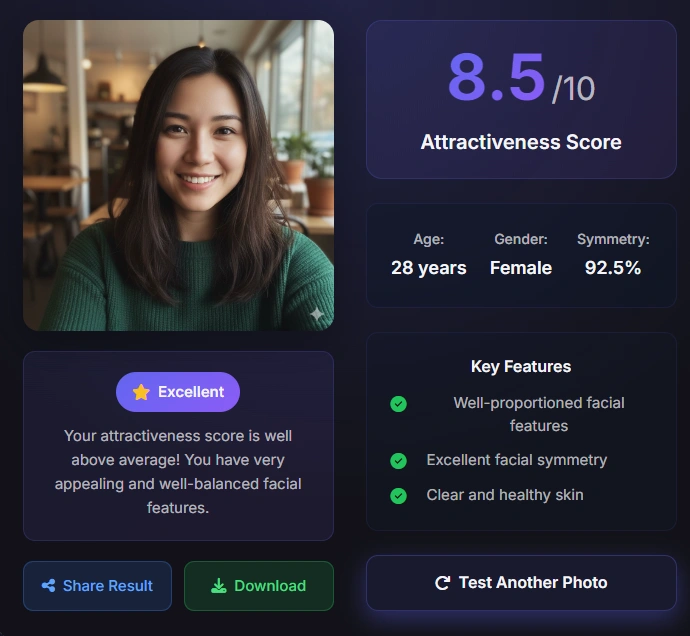
Start with a simple portrait where the full face is visible. Avoid sunglasses, heavy filters, extreme crops, or dark shadows.
The AI estimates visible facial landmarks, spacing, symmetry, proportions, expression, and image clarity before showing the score.
Use the number to compare photos, not to judge your real-world attractiveness. Try two or three strong pictures for a more useful pattern.
A facial attractiveness calculator turns one uploaded image into a directional score by reading visual cues that are visible in that photo.
The calculator estimates facial landmarks such as the eyes, nose, lips, chin, jawline, and outer face shape. Those points help the AI compare left-right balance, relative spacing, and whether the photo gives enough information for a stable attractiveness analysis.
The result also depends on presentation. Lighting, camera distance, lens distortion, expression, grooming, crop, and image sharpness can all change an attractiveness score. This is why the same person may receive different scores across different photos.
The healthiest way to use this tool is as a profile-photo calculator. If one portrait scores higher and also looks natural to you, the difference may reveal a stronger angle, clearer light, or better framing rather than a fixed measure of your identity.
The calculator checks whether visible landmarks appear balanced in the uploaded image and whether head tilt or shadows distort the read.
The AI reads spacing among the eyes, nose, lips, chin, and jawline to estimate visual harmony in the still photo.
Sharpness, lighting, crop, and expression affect how confidently the tool can calculate an attractiveness score.
A straight or slightly angled portrait gives the calculator enough landmark information.
Soft light avoids deep shadows that can make symmetry or proportions look different.
A relaxed face or slight smile is easier to compare than an exaggerated pose.
Heavy smoothing, beauty filters, and warped lenses can make the score less meaningful.
Searchers often want the most accurate attractiveness calculator, but accuracy starts with a readable image.
A front-facing portrait is usually the best baseline because it shows both sides of the face, the eye line, the nose bridge, lips, chin, and jawline with minimal perspective distortion. After you have a baseline score, you can test side angles, candid shots, or dating profile photos.
Do not compare a bright professional headshot against a blurry bathroom selfie and treat the gap as a personal verdict. The calculator is sensitive to input quality. A better crop or softer light can raise the score because the AI can read the face more clearly.
For dating apps, social media, or professional avatars, upload several realistic options. Choose the image that scores well and still looks like you in real life. A useful calculator should help you select a stronger photo without encouraging over-edited images.
Start with one clear image before testing creative angles or edited profile pictures.
Hair, hands, sunglasses, masks, and deep shadows can hide important landmarks.
Photo comparisons are fairer when distance, lighting, and crop are close.
The score is a practical photo signal, not a complete statement about how attractive you are.
An attractiveness score summarizes how one image matches the patterns that the model has learned to reward. It can be helpful when deciding between profile photos, checking whether lighting is flattering, or understanding why one portrait looks more balanced than another.
The score cannot measure confidence, voice, movement, style in person, chemistry, kindness, humor, or cultural preferences. It also cannot remove every bias from training data. Treat the number as directional feedback and read the supporting notes before drawing conclusions.
If you want a better result, improve the photo first: use cleaner light, reduce blur, keep the camera at a comfortable distance, and avoid extreme face distortion. Then compare the new score against the earlier result.
A calculator can only compare the visual information that reaches it, so a consistent photo setup makes the score more useful.
Start with a clear, front-facing portrait that shows the complete face. Even light, a natural expression, and a camera held at a comfortable distance make the result easier to compare with another photo. The aim is not to create a perfect image; it is to reduce avoidable changes between tests.
If you are choosing a profile picture, test several photos with the same crop and similar lighting. A score that changes because of a dramatic angle, a heavy filter, or a shadow is feedback about the image conditions as much as it is feedback about the visible face.
Do not compare a close-up wide-angle selfie with a relaxed portrait and assume the difference is a permanent change. Lens distance can enlarge the nose or narrow the jaw, while a crop can hide the forehead or chin. Keeping the setup stable gives the calculator a fairer comparison.
The most useful result is a pattern across good inputs. Save the photos that represent you naturally, note which conditions produce a clearer read, and use the calculator as a practical photo-selection aid rather than a final judgment about a person.
A single visible face keeps the input unambiguous and makes the comparison easier to interpret.
Use a similar head size and leave enough room to show the forehead, cheeks, jaw, and chin.
Strong smoothing, reshaping, and contrast filters change the evidence the calculator can read.
Several stable results can reveal which photo presents your features clearly without defining your worth.
Make sure the eyes, nose, lips, and face outline are visible without blur.
Use soft daylight or even indoor light instead of a strong side shadow.
Keep the camera near eye level and avoid an extreme close-up.
Use an unedited or lightly edited photo when you want a fair comparison.
Only upload photos you have permission to analyze and review the privacy policy first.
A facial attractiveness calculator is useful only when the limits are clear.
The calculator reads one still image. It cannot evaluate personality, movement, voice, confidence, social presence, or how someone responds to you in real life.
Models can also reflect training-data preferences, so two AI tools may disagree. Use the score as one piece of photo feedback, not as a permanent label.
Because the input is a face photo, privacy matters. Avoid uploading images you do not have permission to use and review the privacy policy before sharing sensitive photos.
The calculator reads one still image. It cannot evaluate personality, movement, voice, confidence, social presence, or how someone responds to you in real life.
Models can also reflect training-data preferences, so two AI tools may disagree. Use the score as one piece of photo feedback, not as a permanent label.
Because the input is a face photo, privacy matters. Avoid uploading images you do not have permission to use and review the privacy policy before sharing sensitive photos.
A facial attractiveness calculator is an AI photo tool that estimates an attractiveness score from visible facial features, symmetry cues, proportions, and image quality. It is best used for photo feedback and comparison.
The score is directional rather than absolute. It can compare clear photos well, but it cannot measure personality, real-life chemistry, movement, confidence, or every cultural preference.
Use a sharp, front-facing portrait with even light and the full face visible. Avoid heavy filters, sunglasses, extreme crops, and strong shadows.
Yes. Upload a few realistic profile-photo options and compare the scores alongside your own judgment. The best choice should score well and still look natural.
Lighting, angle, lens distance, expression, crop, and blur can all change how the AI reads your face. A different score usually reflects a different photo condition.
The visible page experience is designed for quick photo analysis. Review the site's privacy policy for the formal data-handling terms before uploading sensitive images.
An attractiveness calculator is a label for estimating a score from a photo; a face rater may describe the same workflow with more emphasis on rating or feedback. Check the input, output, and privacy details rather than the name alone.